Poincaré Collection Tutorial
1. Developing a Capture Plan
1.1 Space Survey and Preparation
Before starting the collection process, the user must conduct an on-site survey to understand the collection objects and their surrounding environment. It is also recommended to organize or remove unwanted items in the space to enhance the collection effect.
Indoor Spaces:
- Survey all rooms within the indoor area and familiarize yourself with the spatial layout.
- Open all <doors/curtains> in the areas to be collected in advance, and clear any obstacles in walking areas to ensure data continuity during collection.
- Turn on appropriate lighting in the space, keep the collection site clean, and avoid factors that might affect the quality of point cloud data collection.
Outdoor Spaces:
- Survey all target objects within the area and familiarize yourself with the connectivity of roads and the distribution of objects.
- Clear any obstacles in walking areas and mark or block off hazardous areas to ensure both data continuity and personnel safety during collection.
1.2 Route Planning
Based on the on-site survey, design the optimal scanning route to minimize blind spots and avoid the need for additional scans post-collection. The scanning route should aim to form multiple closed loops to ensure positional accuracy and improve overall stitching precision. Scan all spatial point clouds according to the planned route.
Important Tip:
Currently, the Poincaré device supports a maximum collection duration of 30 minutes per project, with a walking trajectory of approximately 1.8–2 kilometers. The route design should take this limitation into account.
2. Starting the Collection
Collect Your First Point Cloud Data
2.1 Preparation at the Route Starting Point
- At the starting point of the planned route, place the device steadily (on the ground or a tabletop).
- The operator should avoid standing within the radar or color lens's field of view (it is recommended to crouch or stand directly behind the device).
2.2 Connecting the Device
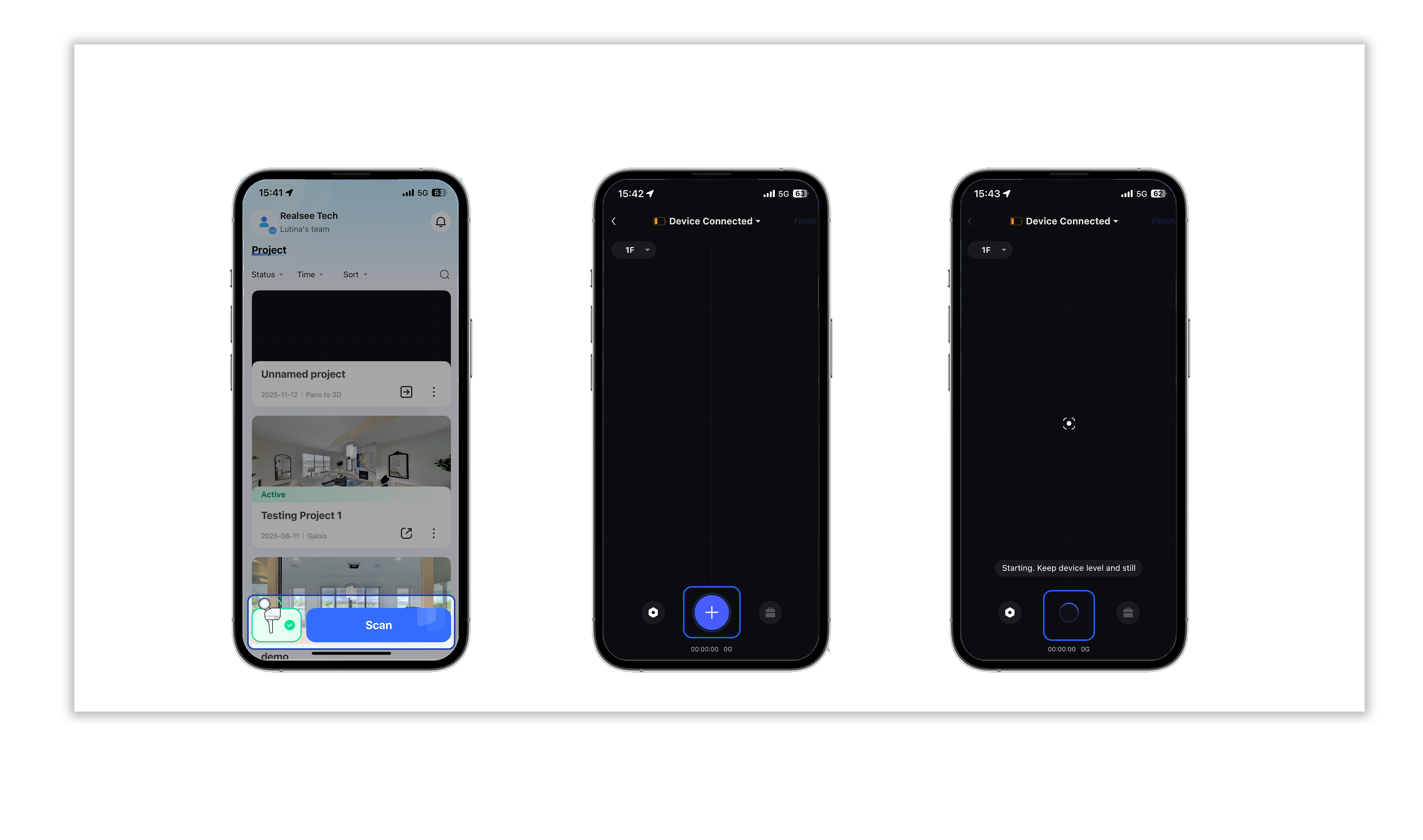
- Open the Ruis VR app homepage, connect to the Poincaré device, and click <Start Collection>.
2.3 Starting the Collection
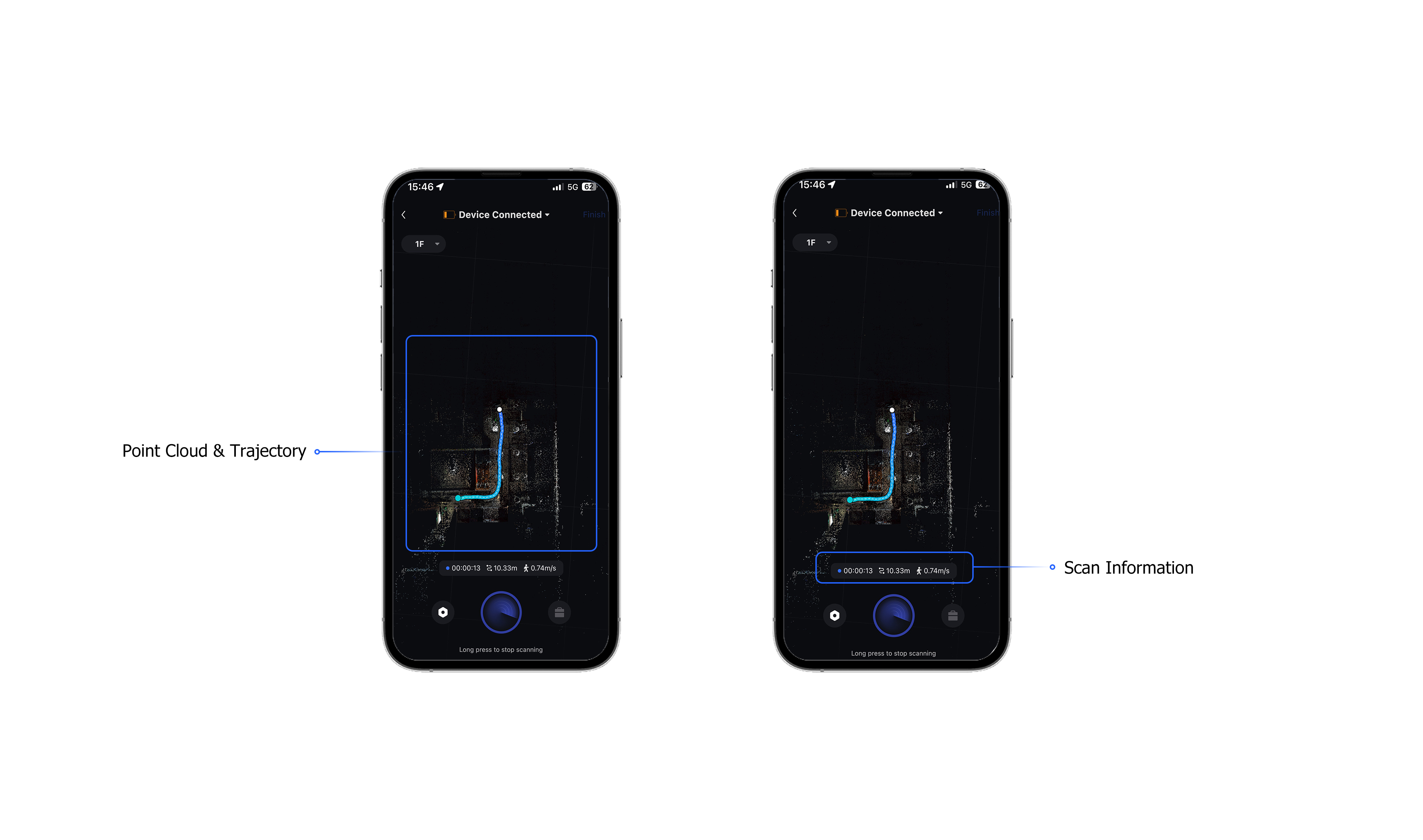
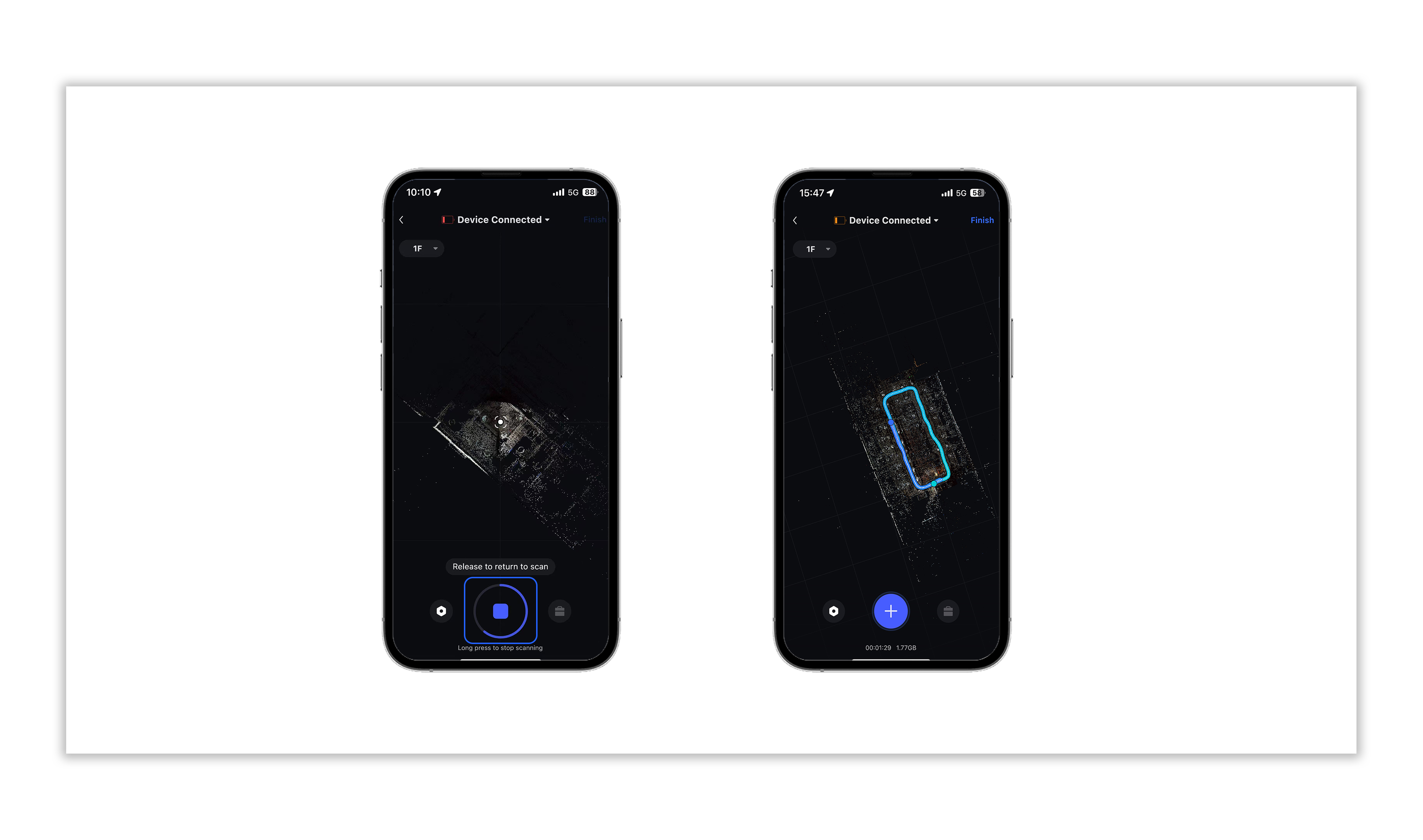
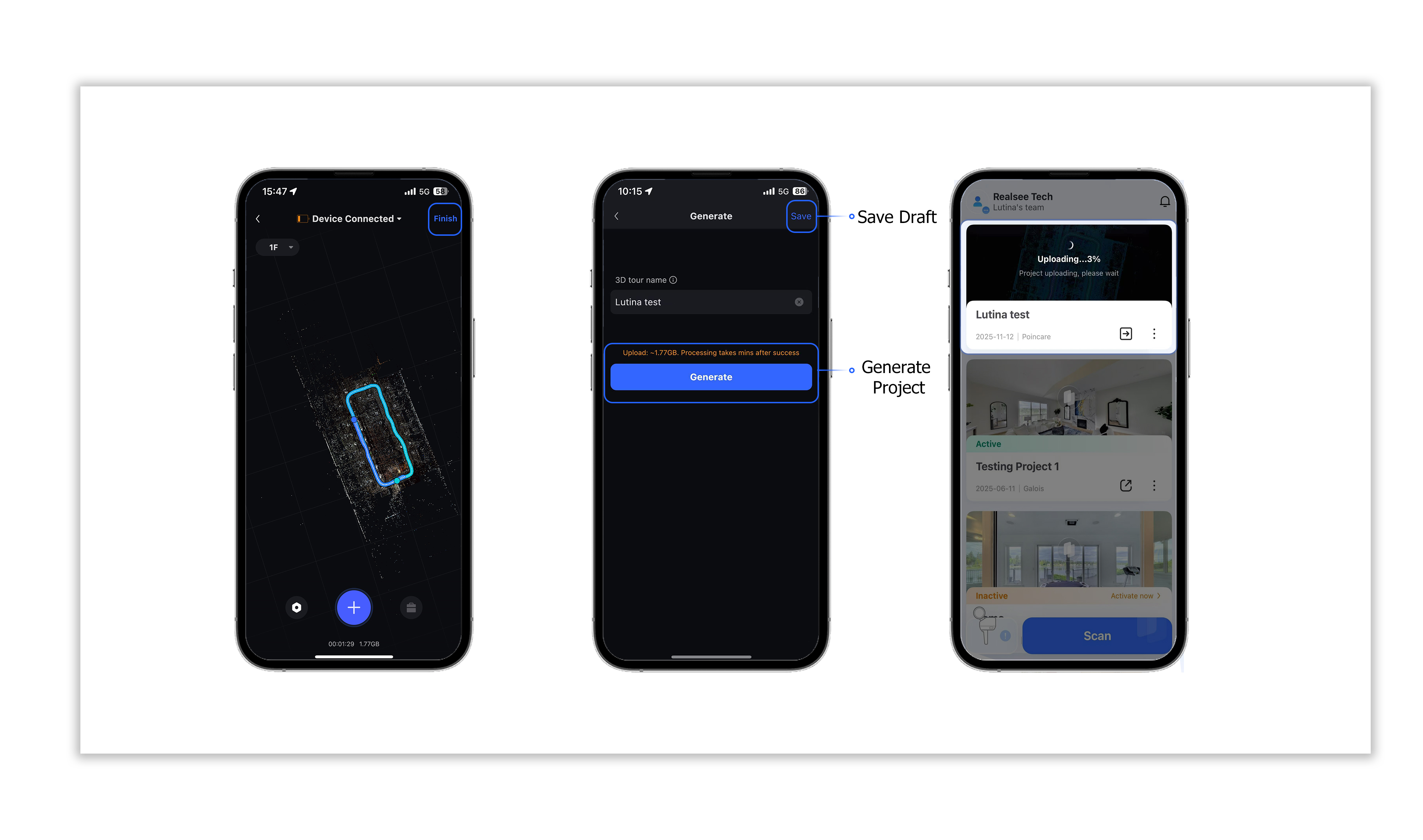
- Enter the collection interface and click the <blue button at the bottom>. The blue button’s halo will start rotating, indicating that the Poincaré device is initializing.