


How do I download point cloud files for offline use?
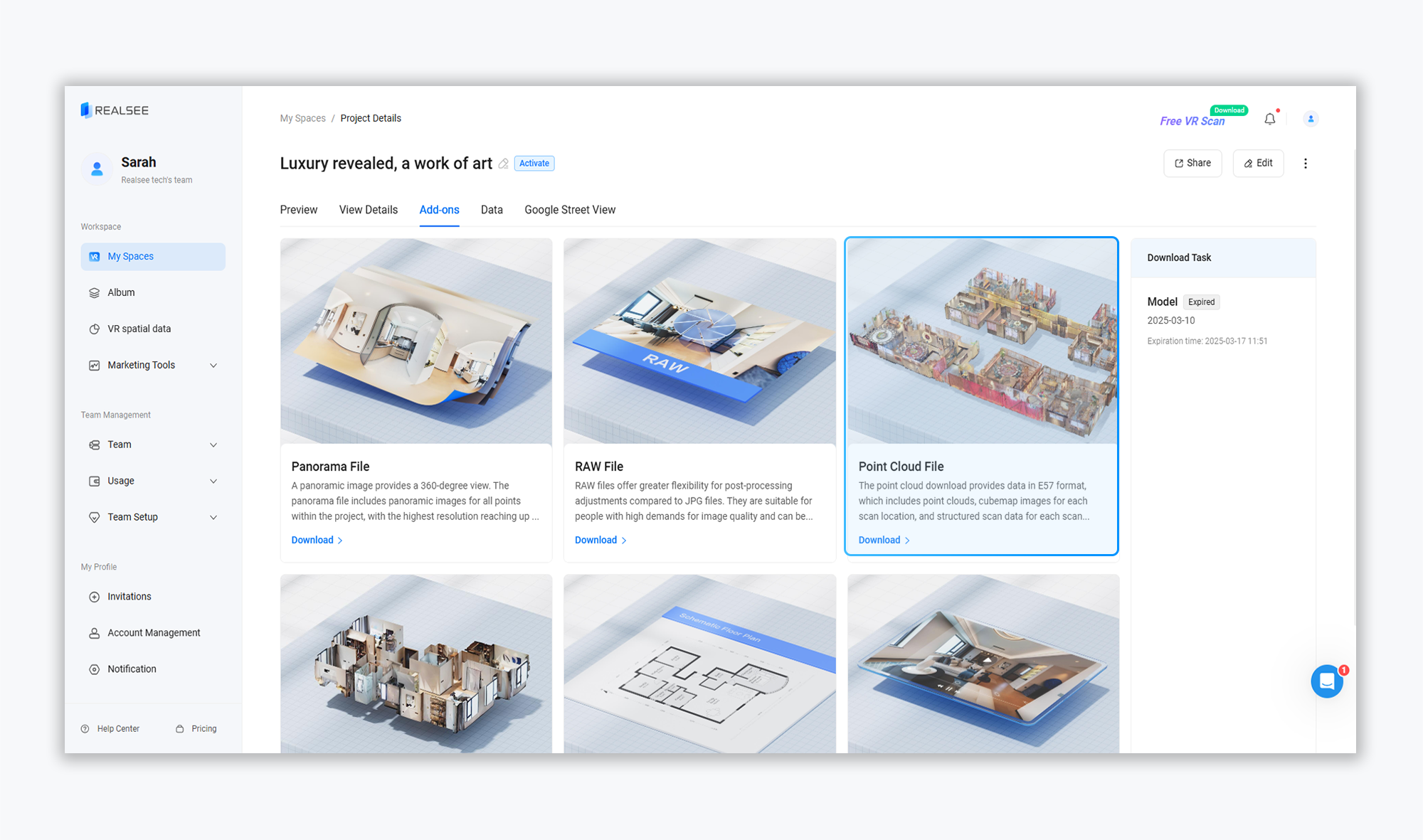
Users can download a project’s Point Cloud File through the Add-ons section by following these steps:
- Click on the corresponding VR project to enter the project preview interface
- Select the Add-ons option from the top toolbar
- Choose Point Cloud File to download
Was this article helpful?
YesNo